
Installation
Everything you need to install Sharebox kiosks and connect with Sharebox systems.
Hardware
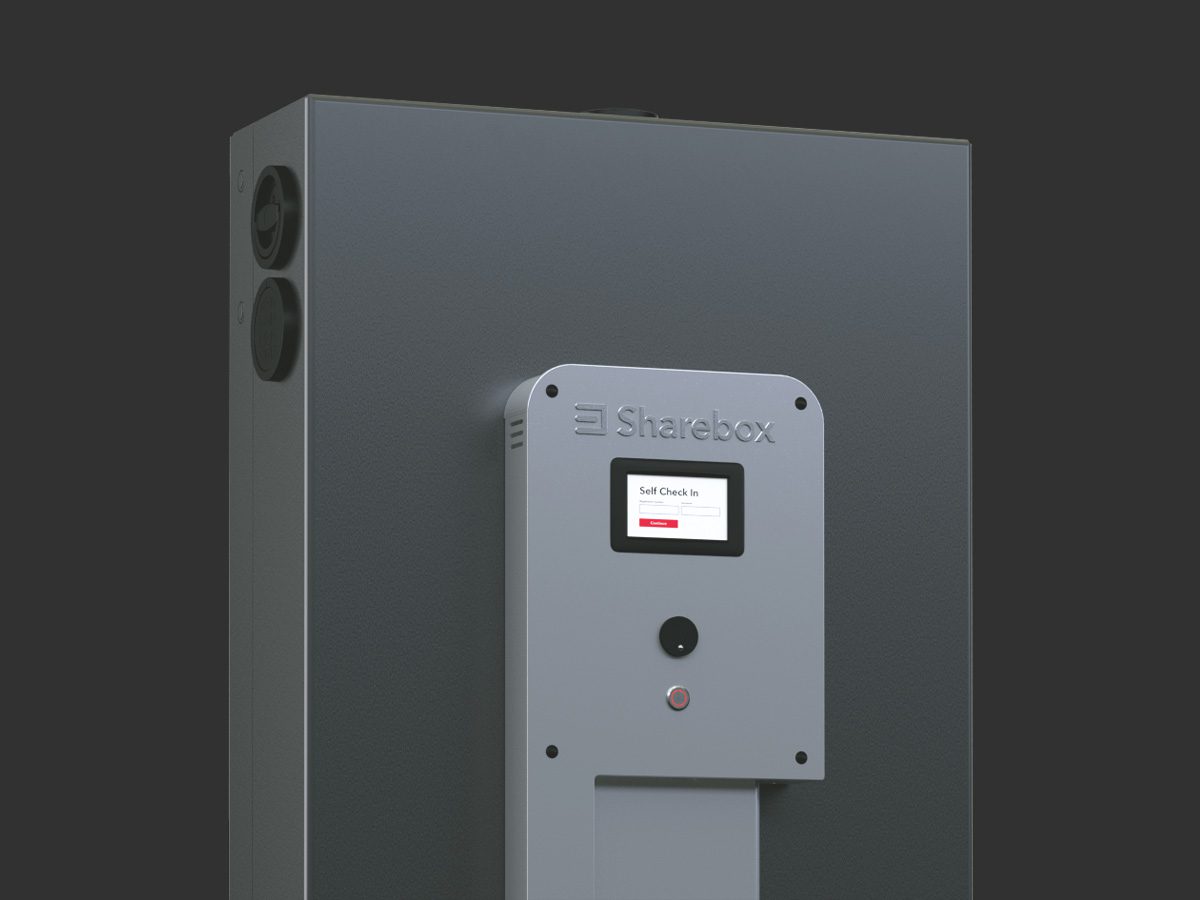
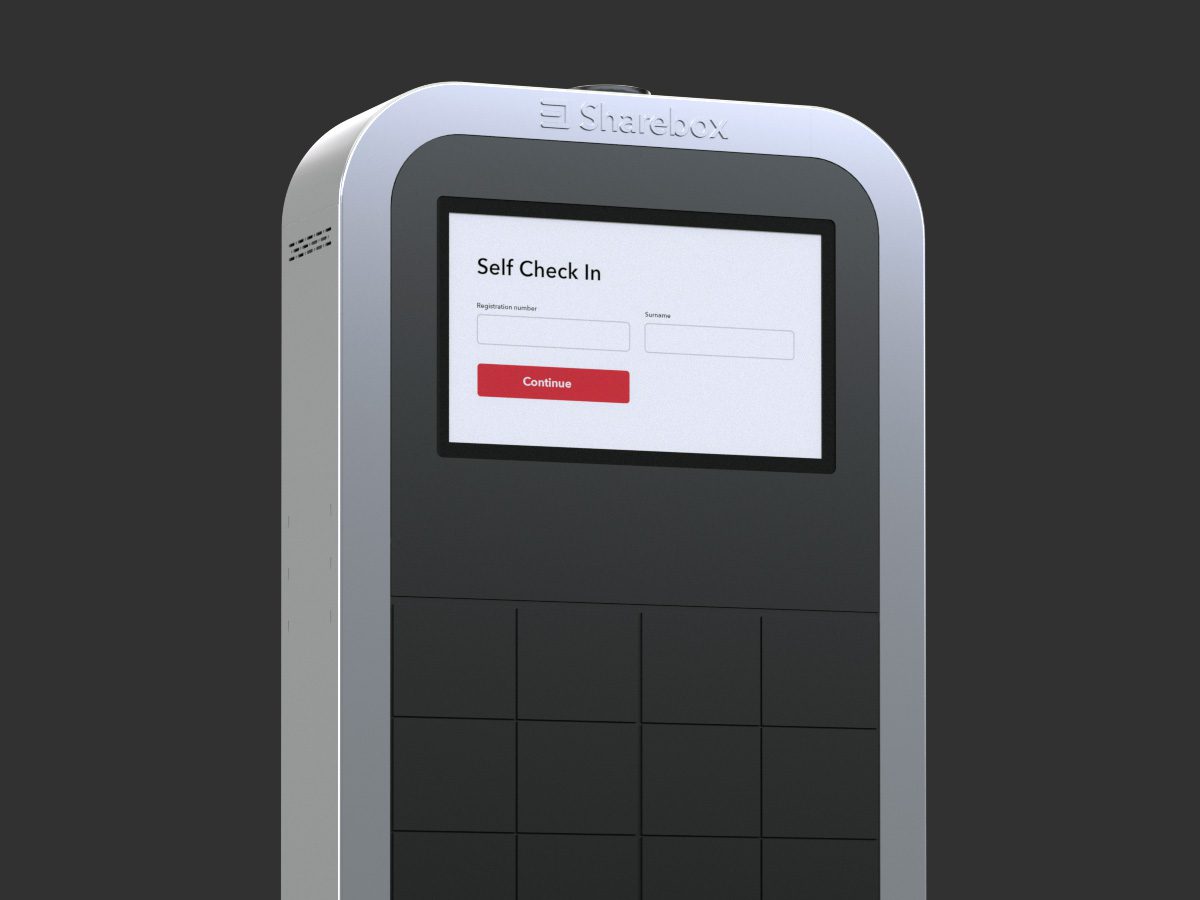
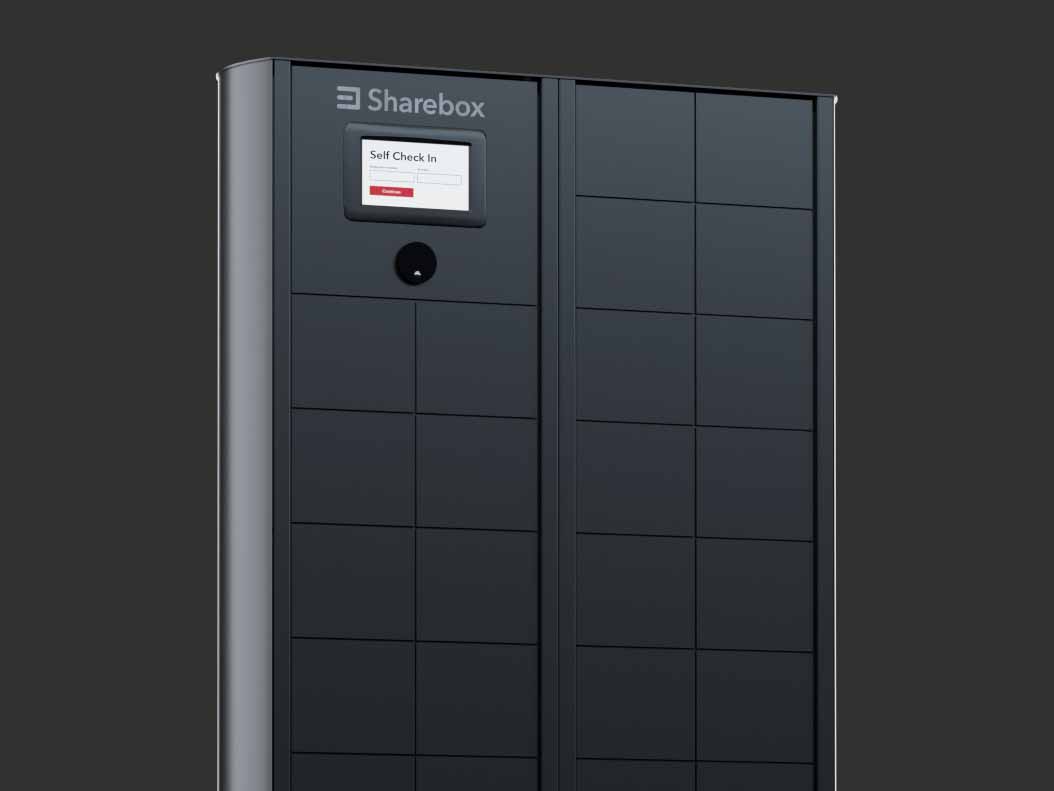
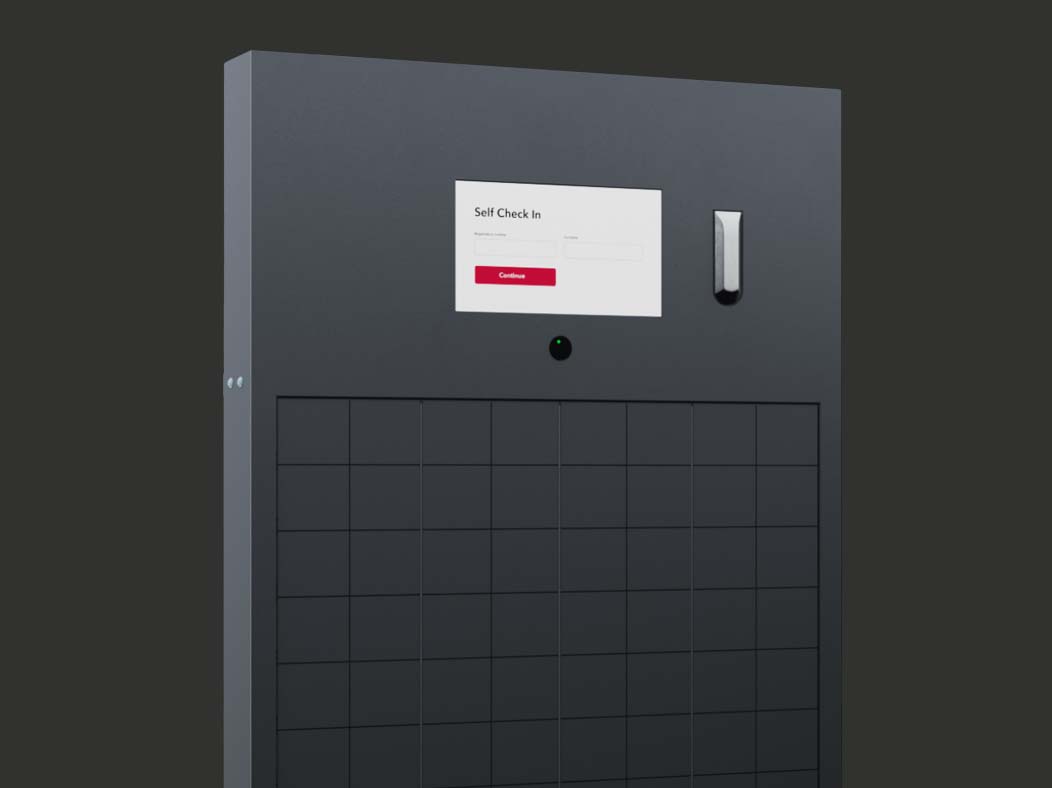
Setup for IT communication
Mandatory ports
- Outgoing TCP/UDP Port 5938 for Teamviewer
- Outgoing TCP/UDP Port 5959 to 5970 for Remoteit
- Outgoing TCP/UDP Port 443 towards Sharebox server (IP
185.67.45.109)
Sharebox always uses ethernet communication. A GSM SIM card is preinstalled as backup communication channel.
As alternative a pre-installed 2G modem could be used on connection to Sharebox server.
TeamViewer
- Outbound connection: TCP/UDP Port 5938
- Destination IP addresses: *.teamviewer.com
RemoteIT
- Outbound connection:
- ports 443 TCP and 80 TCP,
- UDP from port 5959 to 5970
- Destination IP addresses:
- *.remot3.it
- *.rt3.io
Sharebox Support +47 4043 4444
We offer expert guidance on the installation and ongoing support of your technology infrastructure.